
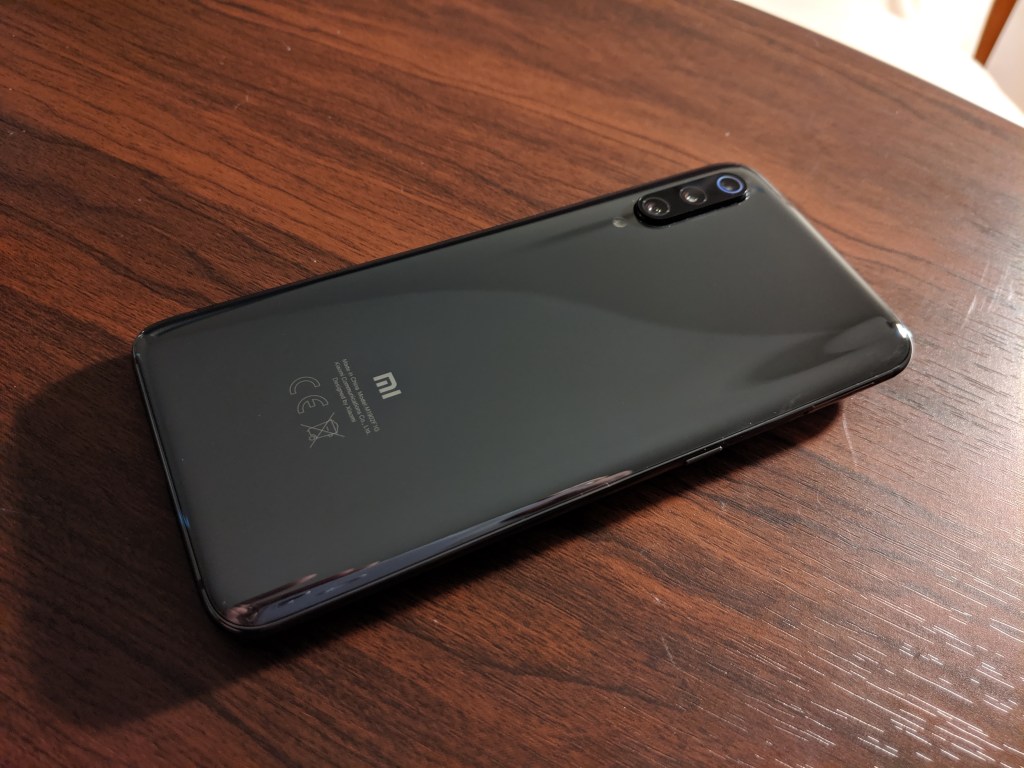
Flagship specs for a mid-range price with a few quirks.
If you’re a US consumer, you might not be familiar with Xiaomi’s mobile devices. Xiaomi aims to produce a great device at a reasonable price. Their motto, “Making Quality Technology Accessible to Everyone,” seems very fitting when talking about the Mi 9. The fact that it can be found sub $400 (6/64GB model) on sale is one of the main points for this device.
Specs
- Qualcomm Snapdragon 855
- 6 or 8 GB of RAM
- Adreno 640
- 6.4″ 1080 x 2340 Super AMOLED display under Gorilla Glass 6
- 64 or 128 GB of internal storage (no expansion card slot)
- Triple Camera Setup
- 48 MP, f/1.8, 27mm – Main
- 16 MP, f/2.2, 13mm – Ultrawide
- 12 MP, f/2.2, 54mm – Telephoto
- Teardrop notch front facing selfie – 20 MP, f/2.0
- In-display fingerprint scanner
- 3300 mAh battery with quick charge and wireless charging
- NFC
- Infrared blaster
- Single bottom loudspeaker
- LED notification light
- No headphone jack
- No waterproofing
She’s Got The Look
This, in my opinion, is a pretty phone. Reflective glass on back (fingerprints ahoy!) and you bet it’s slippery. This thing will slide off almost everything if you rock it without a case. Xiaomi does supply a super basic soft case in the box, but I would highly suggest you pick up something a little more substantial. I’m not going to bend test, but it does feel solid and not too heavy.
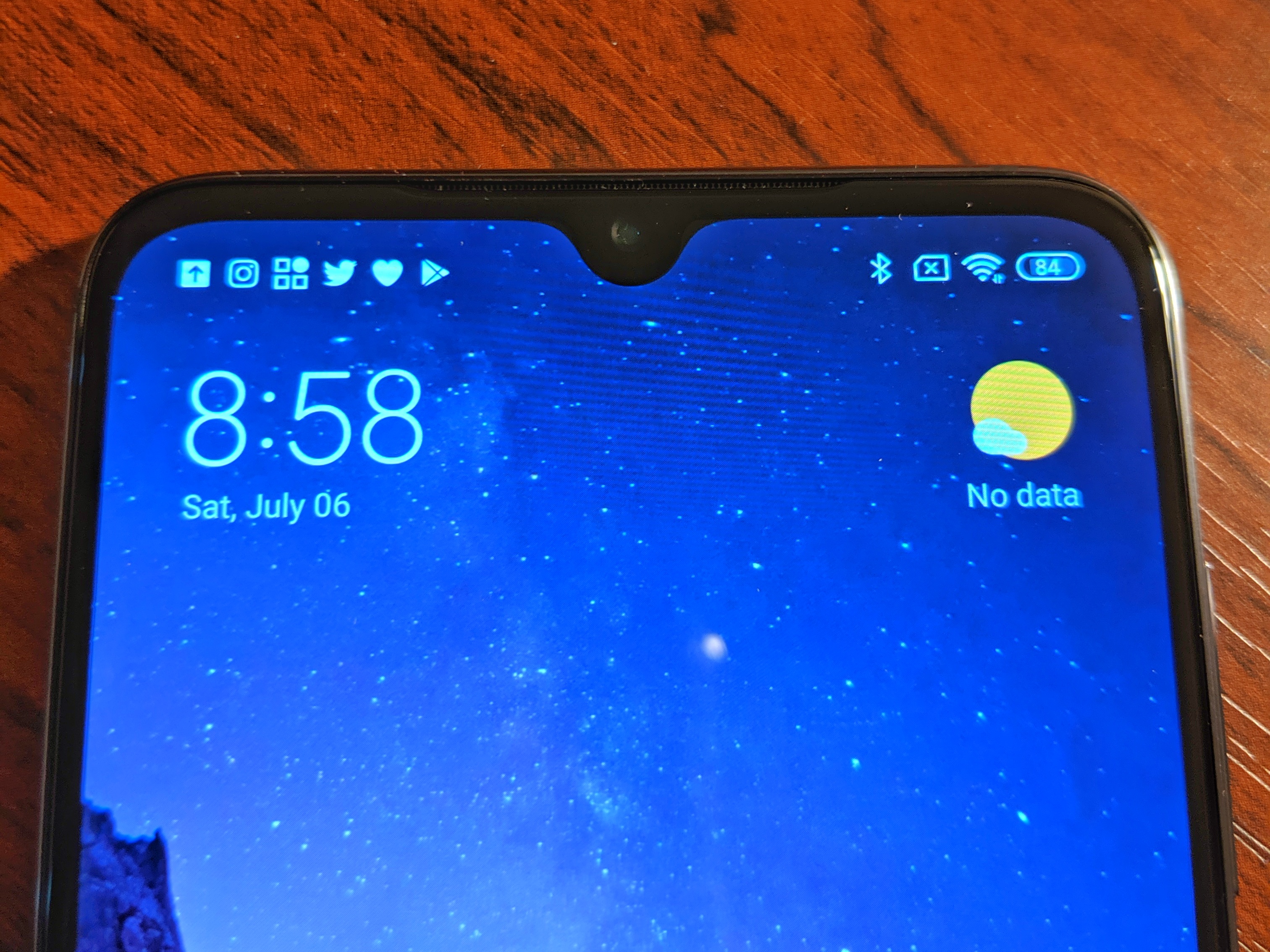
There is a center notch but don’t panic, the notch is a teardrop style and not bad at all. Besides the notch, you get a very nice almost edge-to-edge Super AMOLED display at 1080 x 2340 with always on/ambient display options. My only display quibble is related to the auto brightness feature. It tends to overly dim the phone and I find myself turning auto brightness off and managing it myself. I suspect this is a battery saving tactic.
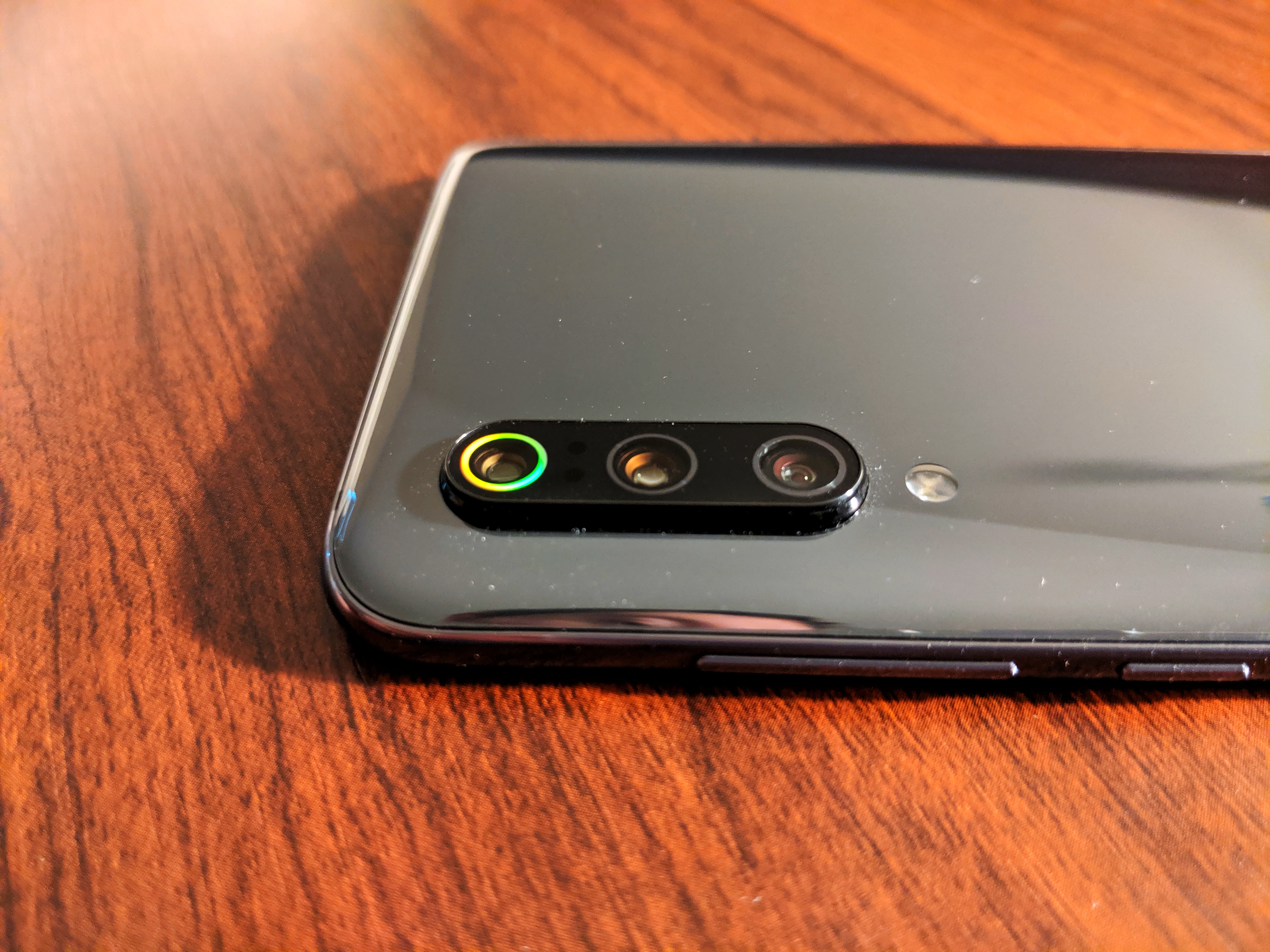
That triple camera system does come with a its own bump. This is another reason I’d suggest a good case to protect the device and eliminate the camera bump wobble. Button setup gives you a volume rocker on the right with power button just below. Reachability was only a stretch with the volume rocker and that’s with my hobbit hands. You also get a handy button on the left side of the phone that launches Google Assistant and can be customized. Sadly, there is no headphone jack in sight and no waterproofing.
Will it phone?
When using the Mi 9, you can definitely feel the smooth performance and snappy response. With the Snapdragon 855 and at least 6GB of RAM, users should be satisfied with running apps and multitasking. I had no issues running the usual popular apps. In a nutshell, it’s quick.
I know many like to game on their phones. I am not a mobile gamer so I won’t attempt to bamboozle you with gaming comments. The nice folks at XDA have some thoughts on the Mi 9’s gaming performance. Needless to say, it should handle whatever you toss at it without issue.
Making calls (do people still do this?) is just fine on the Mi 9. I run on T-Mobile US and things were good (check your bands here and make sure you get the Global model). The speaker phone was loud enough with average quality. As this is a global device, you might need to enter some carrier APN settings and enable VoLTE manually.
The base model comes with 64GB of storage. There is an 8GB RAM/128GB option but you will pay a bit more for that of course. I’ve been getting along fine with the 64GB model but an expansion card slot would have been nice.
Battery life for me has been good. It’s not a battery champ, but should get you by for a day of normal usage. I do enjoy the wireless charging feature and the quick charge is handy as well.
That software tho
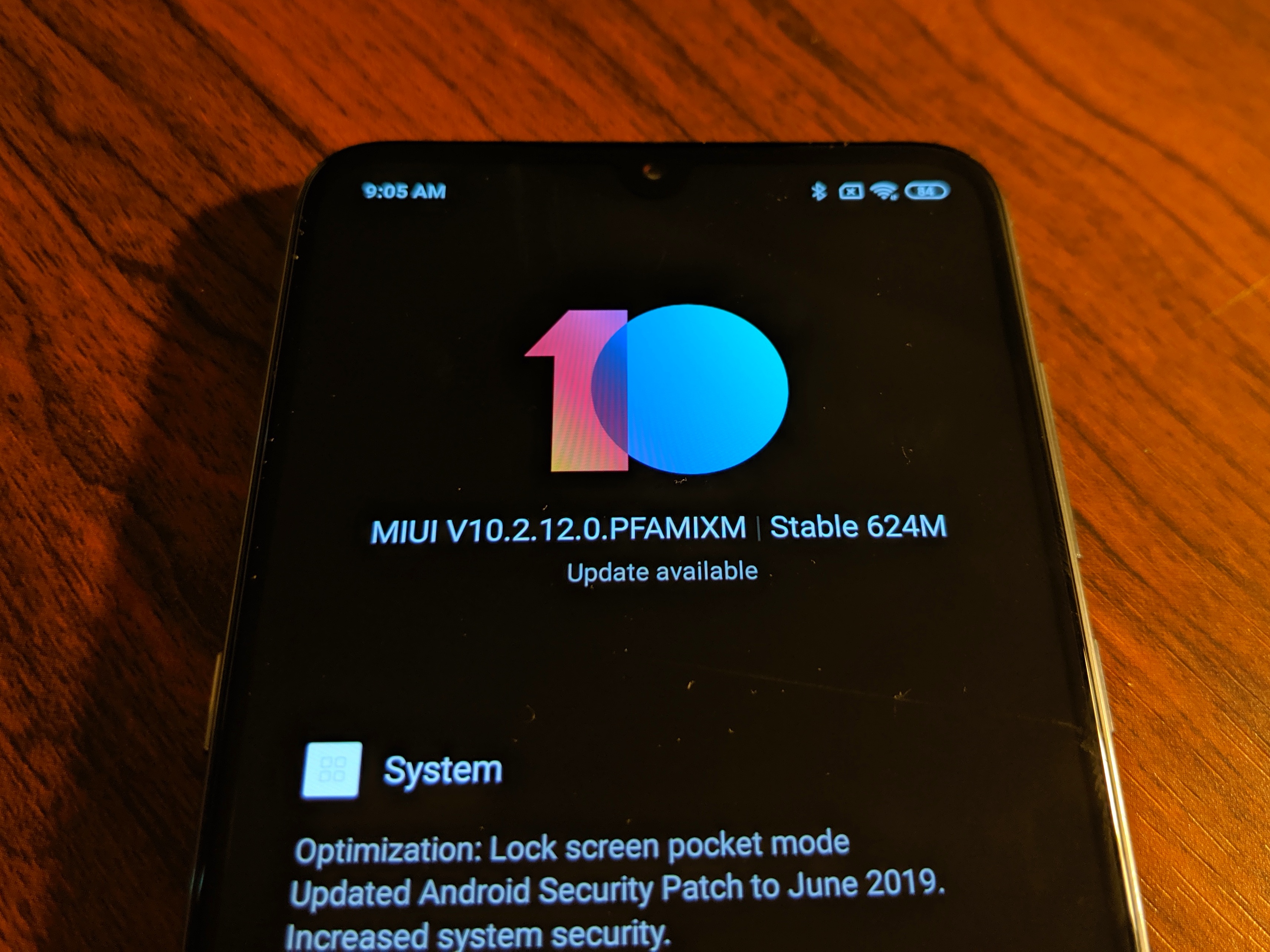
If you are going to consider a Xiaomi device, you need to understand the software UI Xiaomi bakes in. MIUI 10 built on Android 9 Pie is definitely not your stock Android experience. In fact, this difference from stock Android might be the real turnoff on this device for many people. It’s not bad, just very different. If you are looking for a stock Pixel-like experience, please follow me to the exit. If you are willing to try something different, Xiaomi has you covered.
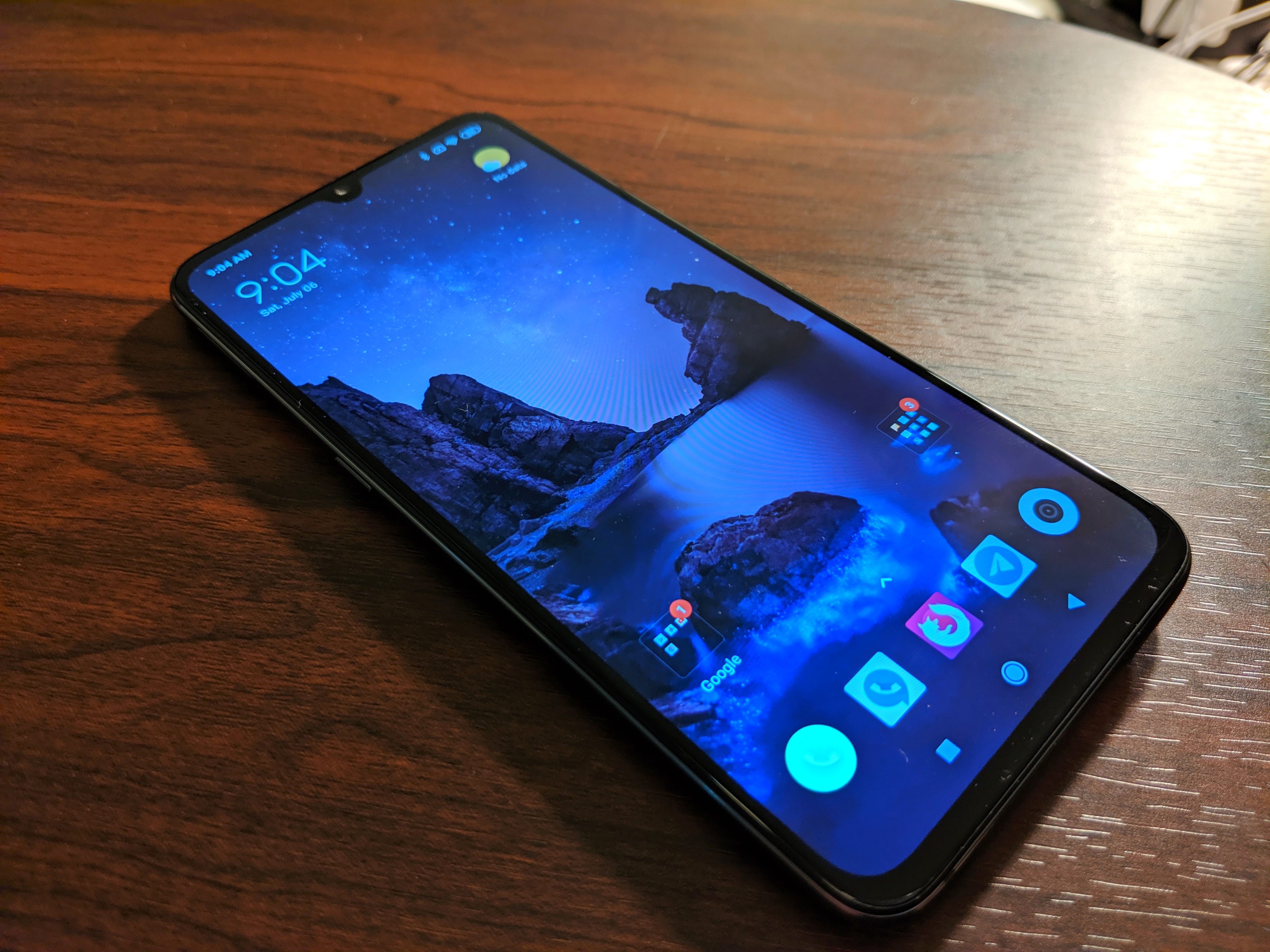
The big kicker with this UI is the home screen setup. When you first drop in, you will have icons everywhere and you’ll probably want to ditch them off the home screen and just use the app drawer. Alas, the out-of-the-box MIUI does not have an app drawer (I know, put down the pitchfork). MIUI by default displays notifications similar to iOS and you will get the little numbered notification dots on your app icons. Also, MIUI does display notification icons at the top of the screen but these will hide themselves after a time and you will need to swipe down the notification shade to see them all again. This ties back to the “have all your icons on the home screen” idea so you can see the notifications on the app icons themselves. There is also a nice little notification LED you can enable as well.
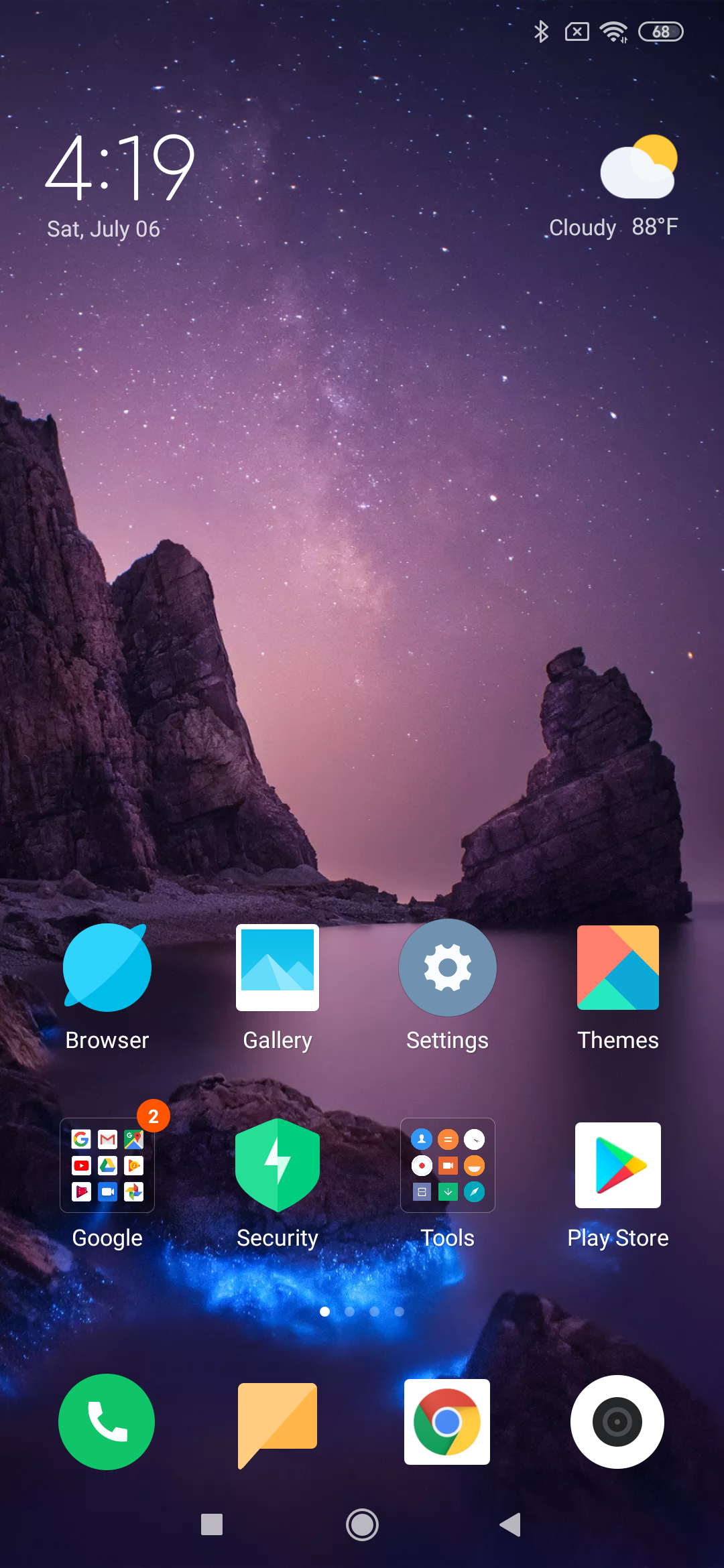
Now, you might be thinking this MIUI home screen setup is all too wacky frosted Lucky Charms for your style. Just remember, this is Android and we can do…things. I installed the POCO Launcher. It’s built by Xiaomi, responsive, and it gives you back the swipe up app drawer.
You do have some choices getting around in the phone. You can use the standard Android navigation buttons or you can use Xiaomi’s full screen gestures where you can swipe up from the bottom to go home, swipe up and hold for your recent apps, or swipe from the sides to go back.
I will say this for Xiaomi, they do work to keep their devices updated. I have received a handful of software updates since I picked up this device. These updates have included Android security updates, feature enhancements, and flat out bug fixes. It is extremely refreshing to see a mobile device company pushing frequent updates to their devices.
In the end, there is a bit of a learning curve with this device’s software and you might enjoy that change of pace … or not.
Can I take a pic of my dog taking a selfie while riding a horse?
The Mi 9 sports a triple camera setup which seems to be the trend. Now, I’m not a camera expert, so I will be telling you my thoughts just using the phone day to day.

I really do feel the Mi 9’s camera is underappreciated. I have been very pleased with the performance of the Mi 9’s camera output. In normal lighting, you should get beautiful shots you will love to share out. I’ve had great results with the portrait mode with minimal edge issues. The main camera also does pretty well in low light and does include a dedicated Night mode but I’ve seen mixed Night mode results. The telephoto lens gets you a little closer and is much more handy than you’d think. Throw in the Ultrawide lens and you have a very nice package for a device of this price point. There is also a 20MP front facing camera that can handle 1080p video. I’m not much of a selfie person (not at all really) but I can tell you Xiaomi loves their beauty mode on the front facing camera.
Again, I’m not a pro camera guy but I do play with a good amount of phones and I feel this camera punches far above its price point.

Telephoto 
Portrait 
Portrait 
Normal 
Low Light 
Night Mode 
Front Facing 
Ultrawide
Video on the Mi 9 main camera will give you up to 4K at 60 FPS. There is no OIS in this camera but the EIS does a pretty good job.
Quick sample 4K video shot off the back porch during a thunder storm
The little things
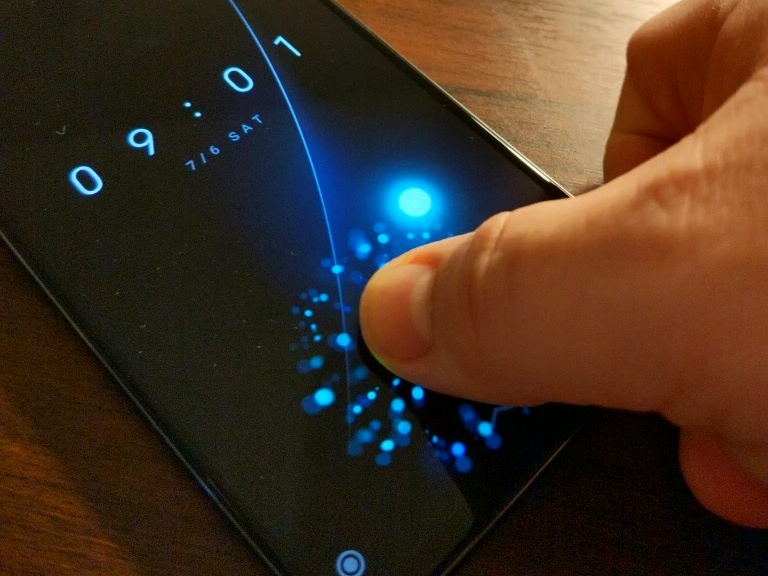
There are a few noteworthy features worth mentioning packed into the Mi 9. The most popular is arguably the in-display fingerprint scanner. It’s not as fast nor as accurate as a normal reader, but it’s fast enough and gives you that “welcome to the future” feeling.
Another fun MIUI feature is Second Space. Second Space lets you generate a second user environment on your Mi 9. This allows you to virtually have two spaces on the same device. The second space can have totally separate Google account, apps, files, and settings. The two spaces are completely separated and you need a pin to swap back. To put this into prospective, say you want to let your young child do some gaming on a long car ride but you don’t want all your apps there for your impish offspring to accidentally on purpose foul up. Load up Second Space with all the LoLpants kid safe games, switch spaces, and hand it over. Even the notifications will be suppressed from the main space’s apps. If you want more details on Second Space, please see this nice write-up.
To Mi or not to Mi
So is the Mi 9 worth your saved pennies? It really is great hardware paired with different but interesting software. If you can handle the MIUI user experience, don’t mind tweaking to make it your own, or just want something different, I think the Mi 9 should be on your phone list. It’s an absolute steal if you can find the global model for under $400 online. Just double check your carrier’s bands before you buy.
I’m going to continue enjoying my Mi 9. You stay classy planet Earth.
 The Fat Hobbit's Tech Blog